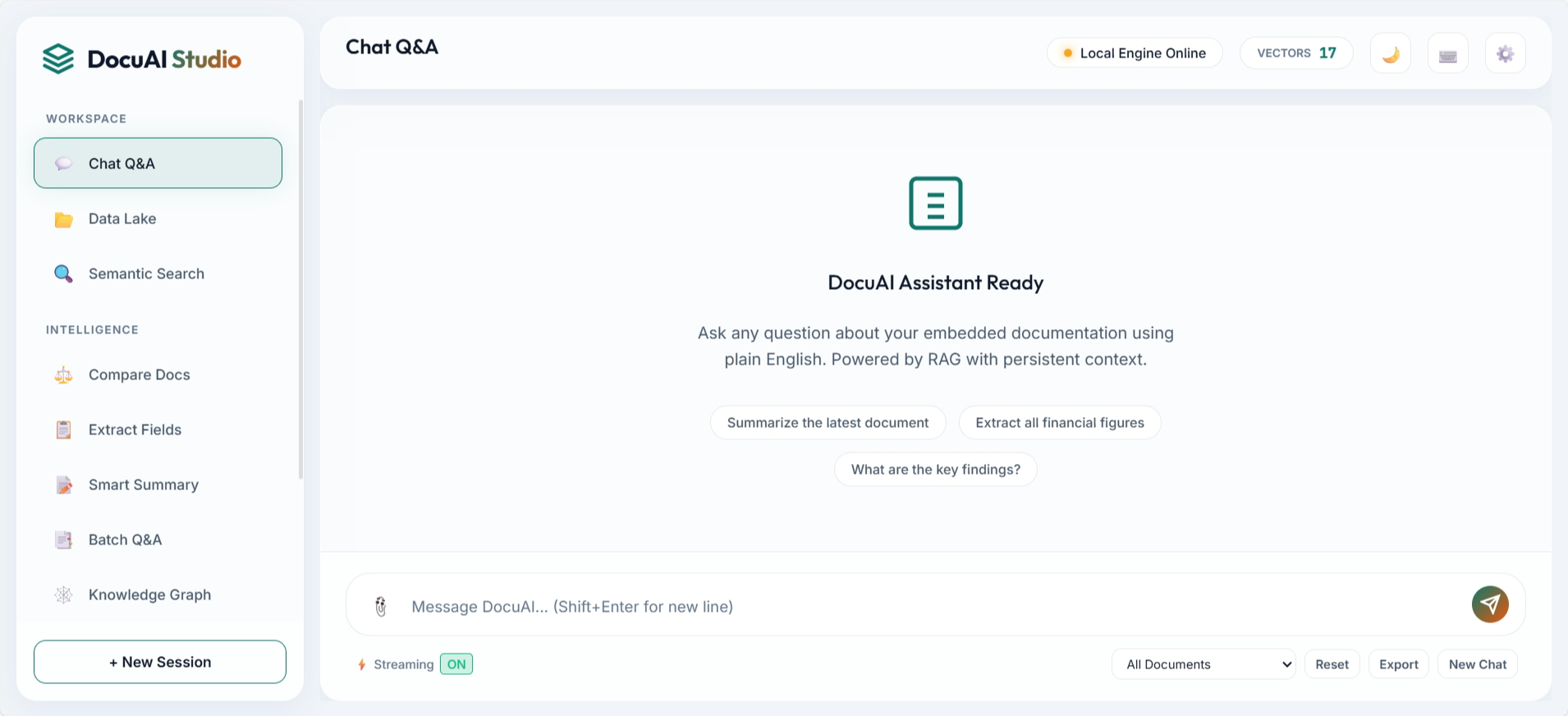
Most RAG demos stop at "upload file, ask question." Production systems fail there: weak retrieval, no observability, and fragile ingestion. DocuAI Studio v3.1 was designed to solve those real-world gaps with a layered architecture, hybrid search quality, and operational controls that teams can run locally or extend to cloud workflows.
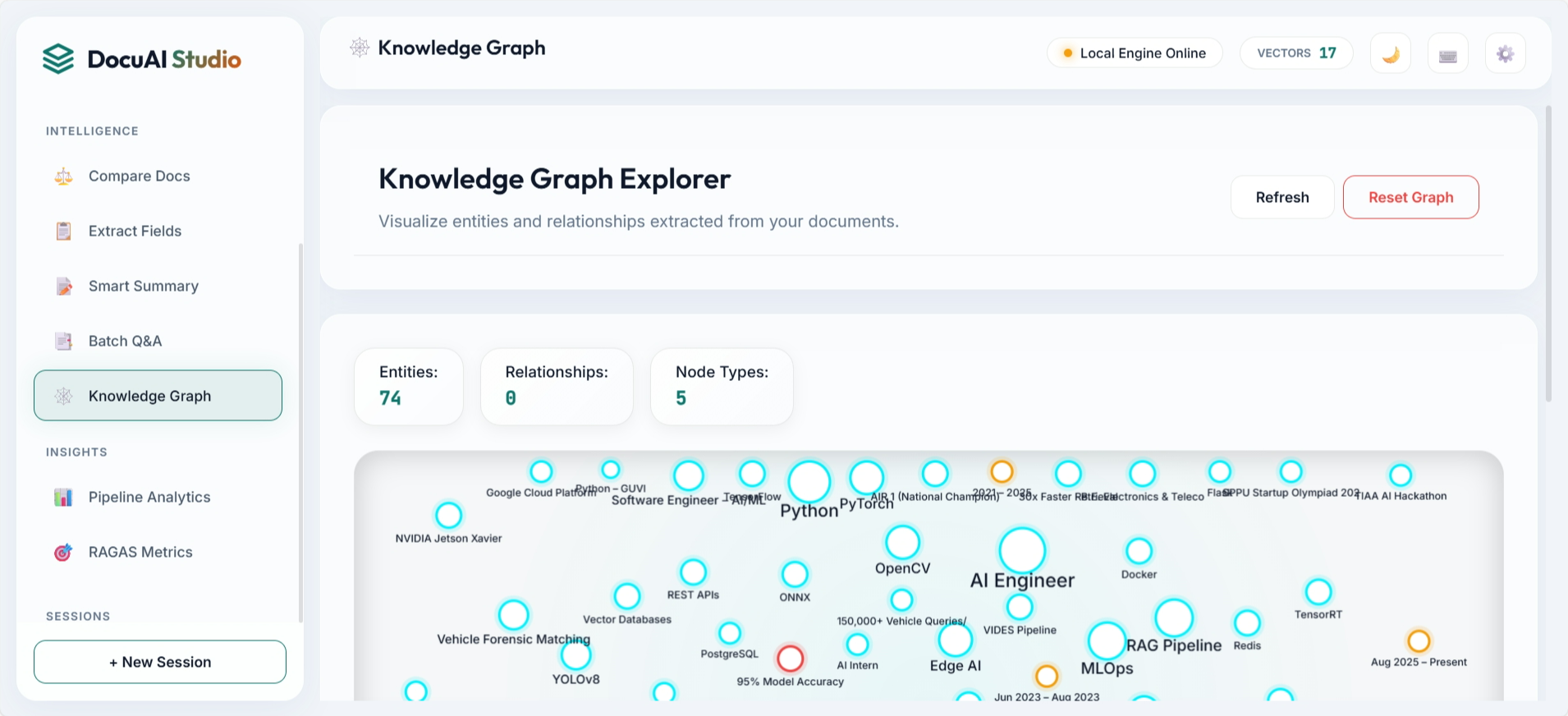
The platform supports multi-format document ingestion, semantic and keyword retrieval fusion, reranking, streaming responses, and feature modules like knowledge graph visualization and query analytics. It is engineered as a practical product architecture, not only a proof of concept.
2. System Architecture
Architecture Rationale
- Separation of concerns: Ingestion, retrieval, reranking, and answer generation remain modular.
- Quality-first retrieval: FAISS + BM25 + RRF improves recall and ranking confidence.
- Operational support: Sessions, cache, analytics, and async tasks reduce production friction.
3. Frontend Demo Showcase
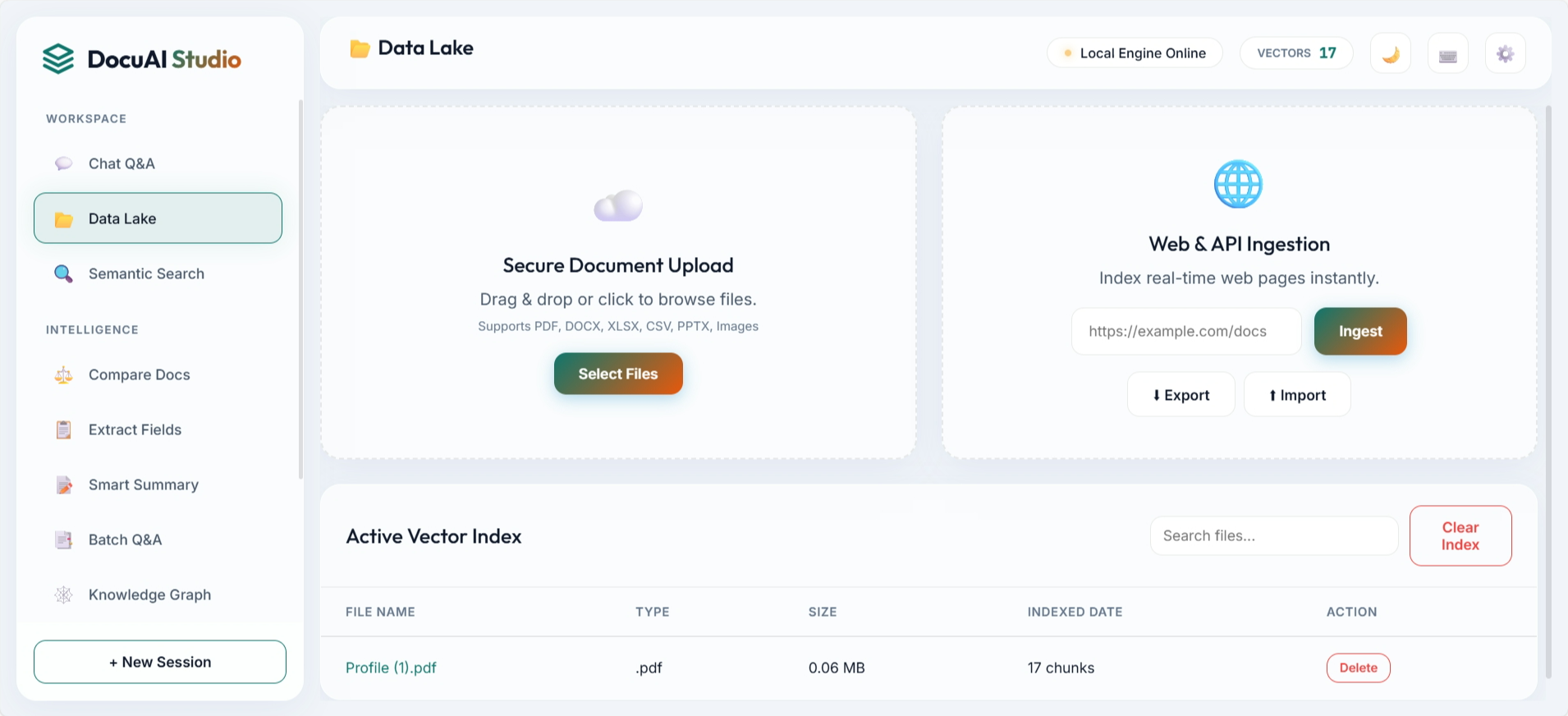
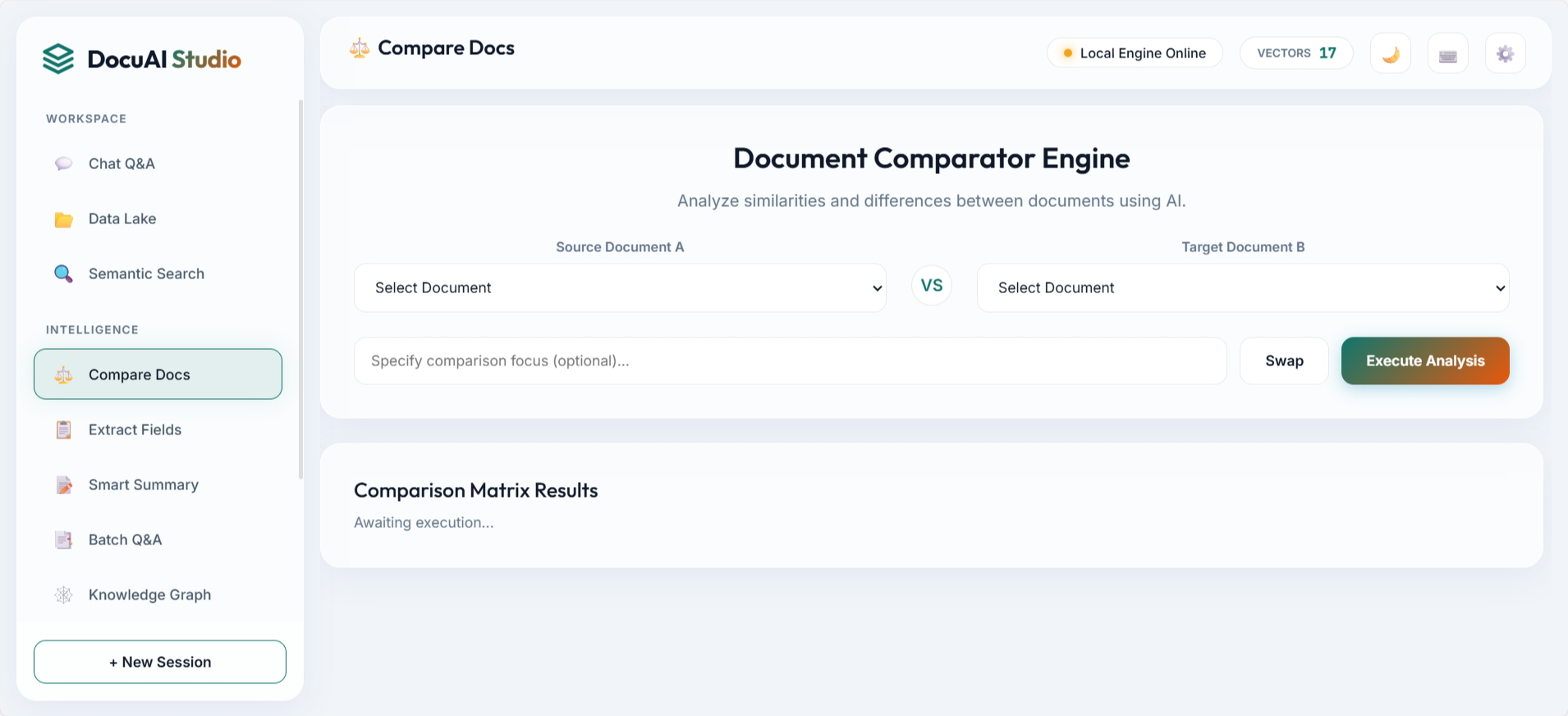
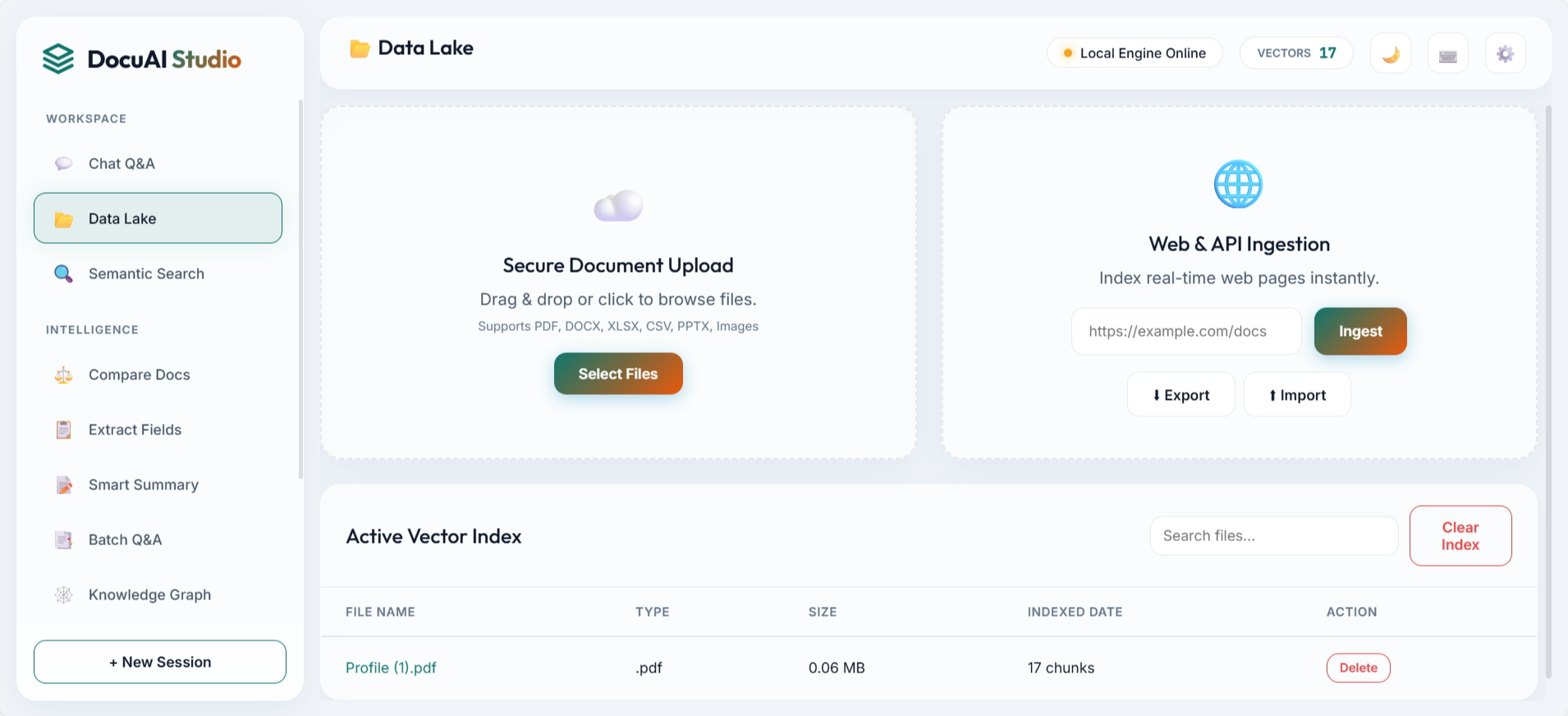
The UI is structured around practical workflows: ask questions, ingest data, compare documents, inspect graph entities, and manage indexed assets. These screenshots are directly from the repository assets.
4. Retrieval and Answer Pipeline
Retrieval quality comes from combining complementary signals. Dense embeddings capture semantic intent, BM25 catches lexical precision, RRF merges both rankings, and a reranker improves final context quality before generation.
Pipeline Stages
- Document parsing and chunk creation
- Embedding generation and FAISS indexing
- Hybrid retrieval with BM25 + RRF
- Cross-encoder reranking
- Grounded LLM response with source citations
5. API and Feature Surface
The backend exposes a broad API surface for end-user features and operations: ingestion, synchronous and streaming query, batch Q&A, semantic search, sessions, graph exploration, index export/import, crawl scheduling, analytics, and evaluation.
- 40+ API endpoints covering ingestion, query, semantic search, sessions, analytics, and index lifecycle.
- Hybrid retrieval stack: FAISS + BM25 with Reciprocal Rank Fusion and reranking.
- Async ingestion with task tracking, scheduled crawling, and document versioning.
- Flexible LLM provider switch using environment config: Ollama (default) or OpenAI.
- Production-ready controls: rate limiting, cache stats, export/import backup, and tests.
6. DevOps and Reliability
The project includes production-minded reliability features: Docker and Compose startup paths, CI-ready test structure, environment-driven configuration, and explicit controls for caching, rate limits, and crawl scheduling. This keeps both local development and deployment workflows predictable.
7. Why This Design Works
Key Outcomes
- Not a toy app: clear separation between data, retrieval, and generation stages.
- Stronger answers: hybrid ranking plus reranking improves context relevance.
- Ops-ready: async ingestion, analytics, and index backup simplify production support.
- Flexible deployment: local-first with Ollama, plus OpenAI provider switch when needed.
8. Future Scope
Next high-impact improvements include multi-user authentication, webhook-based source refresh, confidence scoring dashboards, and tenant-level governance controls for enterprise rollouts.

About Shubham Kulkarni
I build production AI systems across computer vision, retrieval, and full-stack deployment. View my Portfolio.